Common questions about how the extension works, how users configure it and how administrators can manage rollout and recovery.
Does this extension replace the standard XWiki login?
No. Users still sign in with their normal XWiki username and password. The extension adds
an additional verification step after the standard login check.
Which verification method is used?
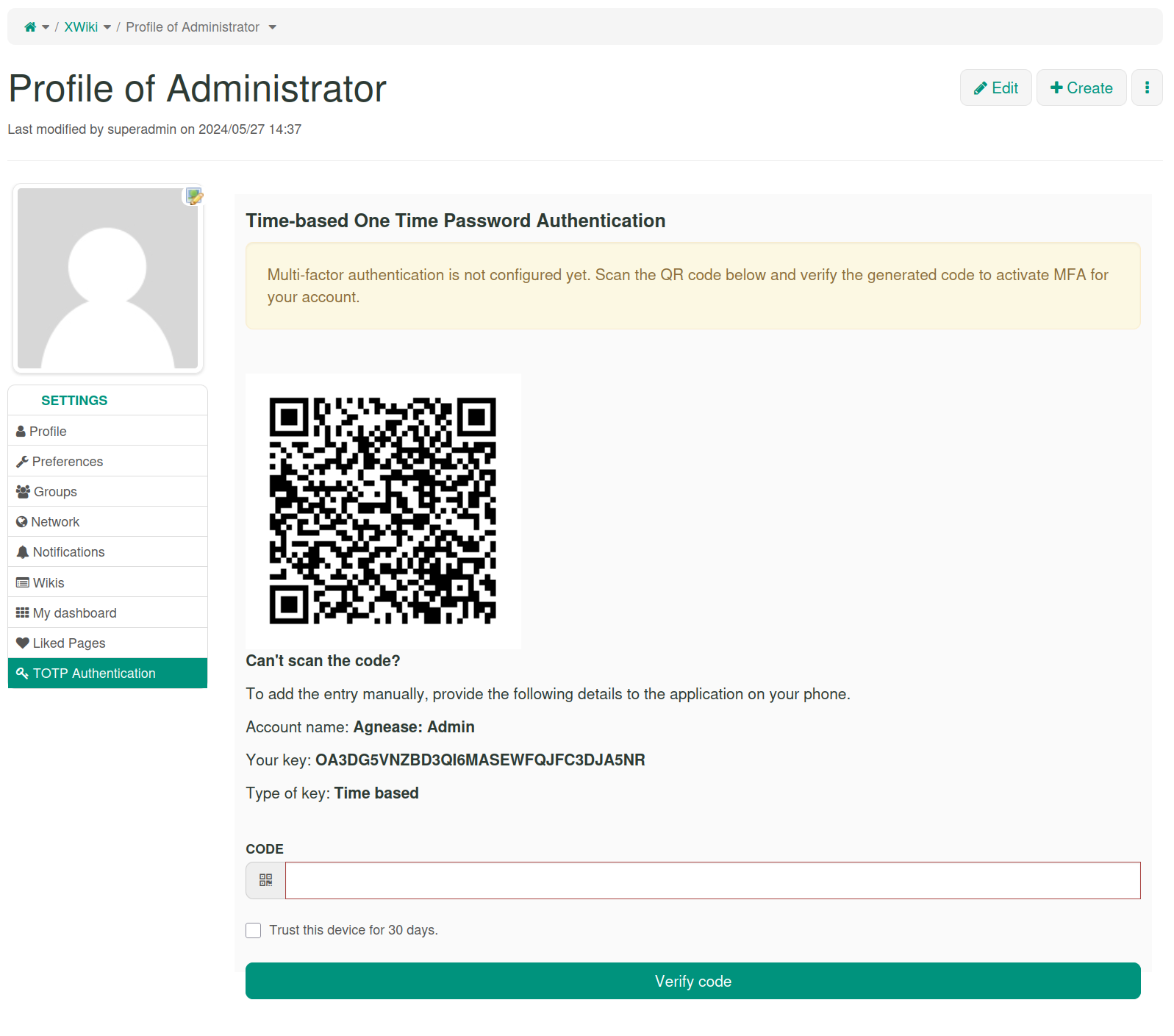
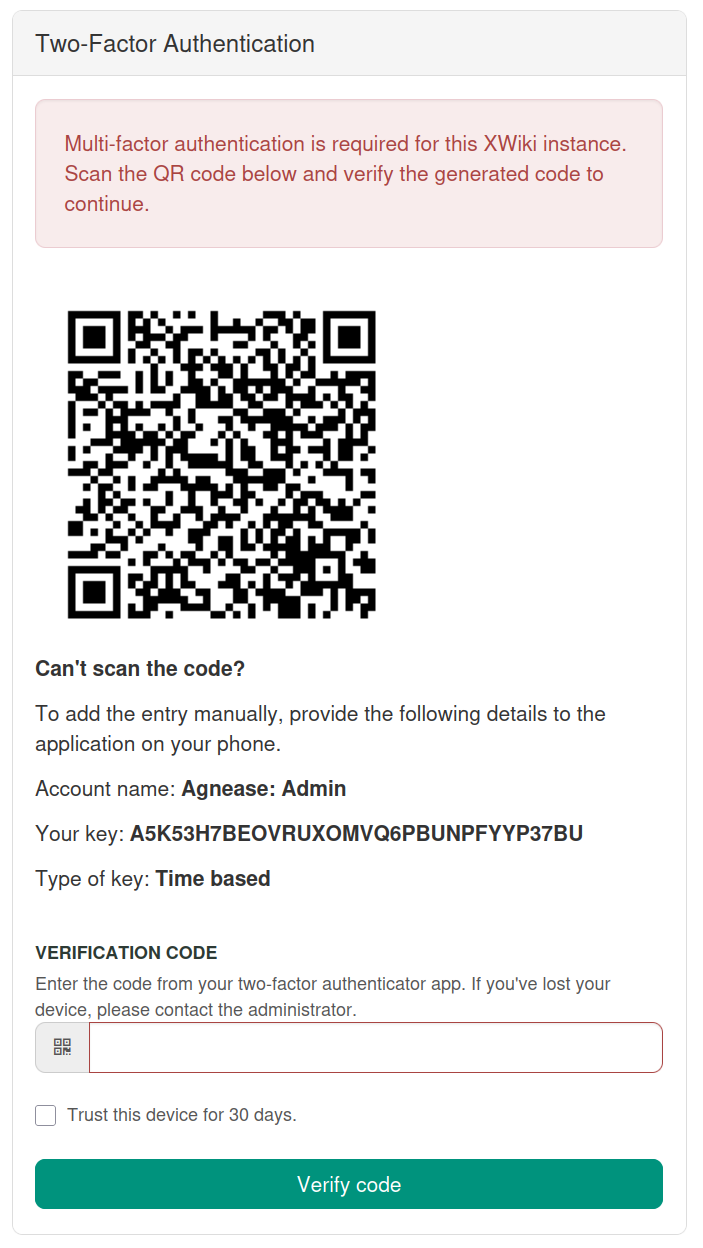
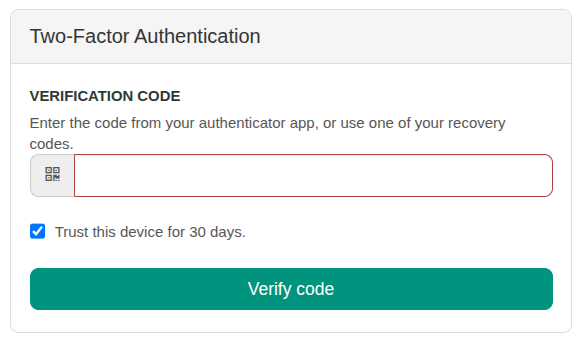
Users verify access with time-based codes generated by an authenticator application.
The setup page provides a QR code and a manual setup key.
Can the second verification step be required for all users?
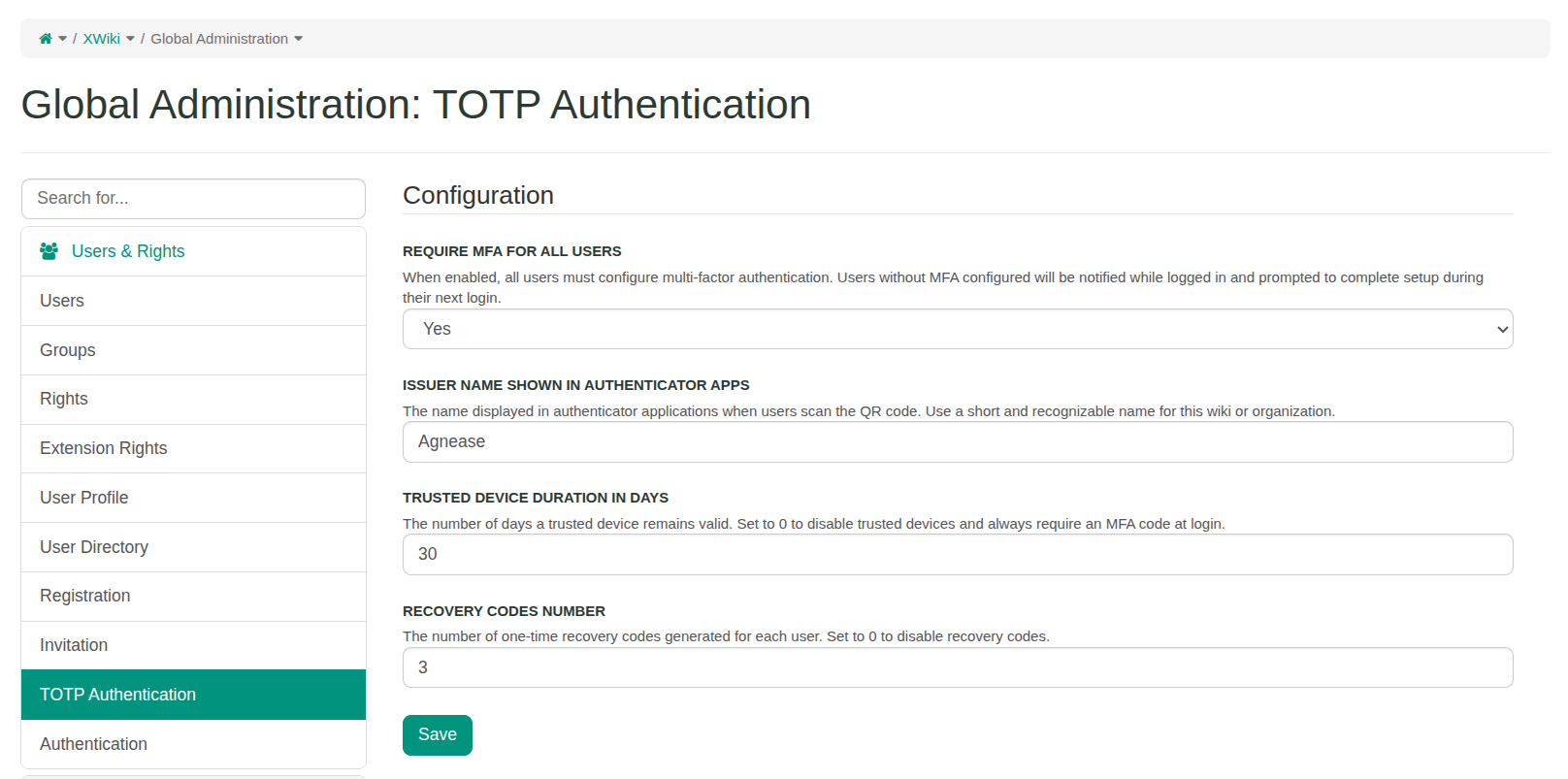
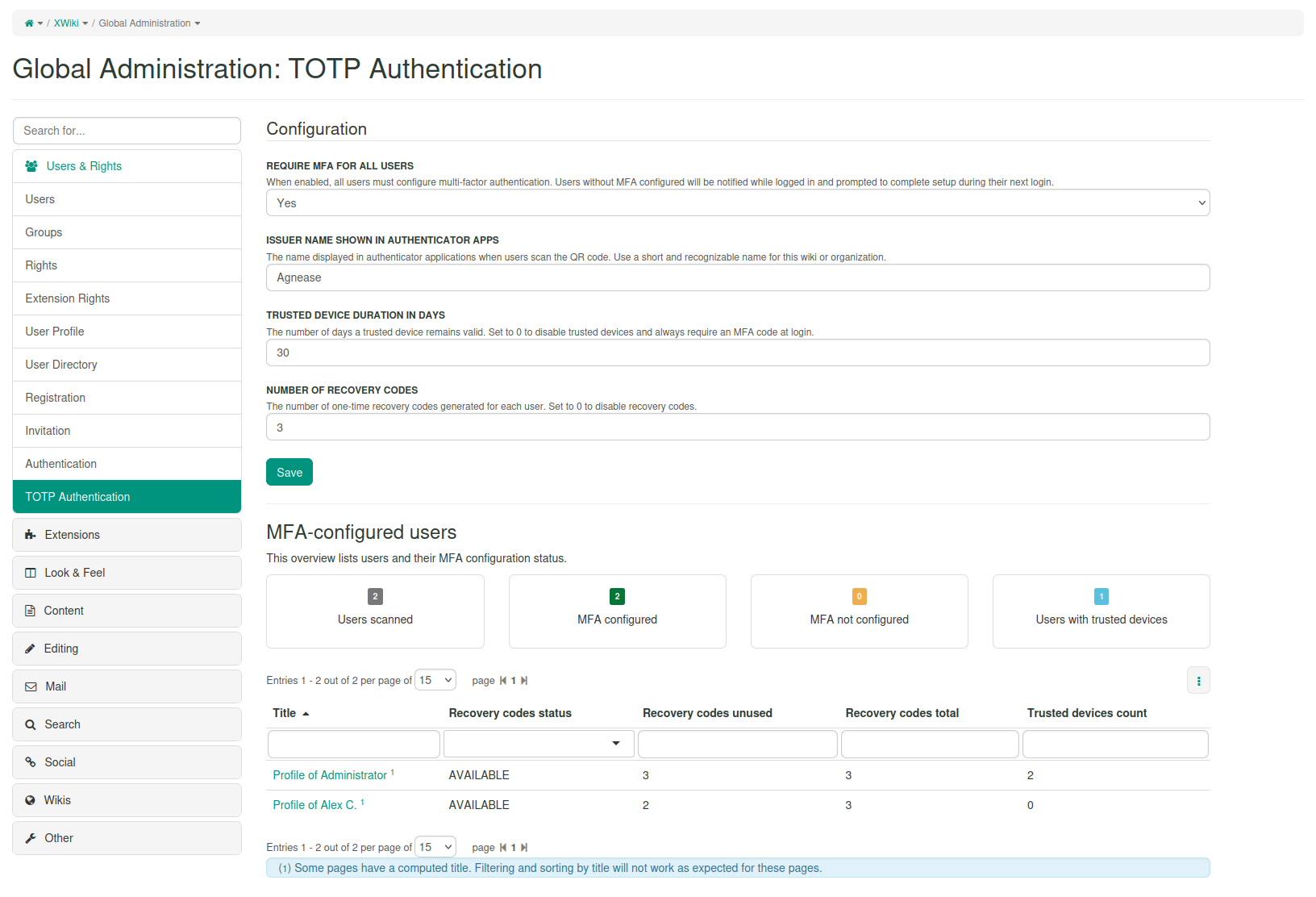
Yes. Administrators can make the verification step optional or required for all users
from the XWiki Administration section.
What happens if a user loses access to the authenticator app?
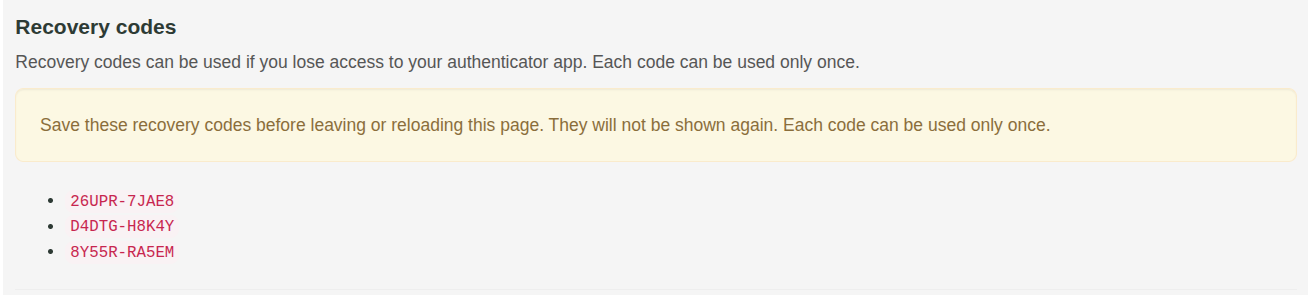
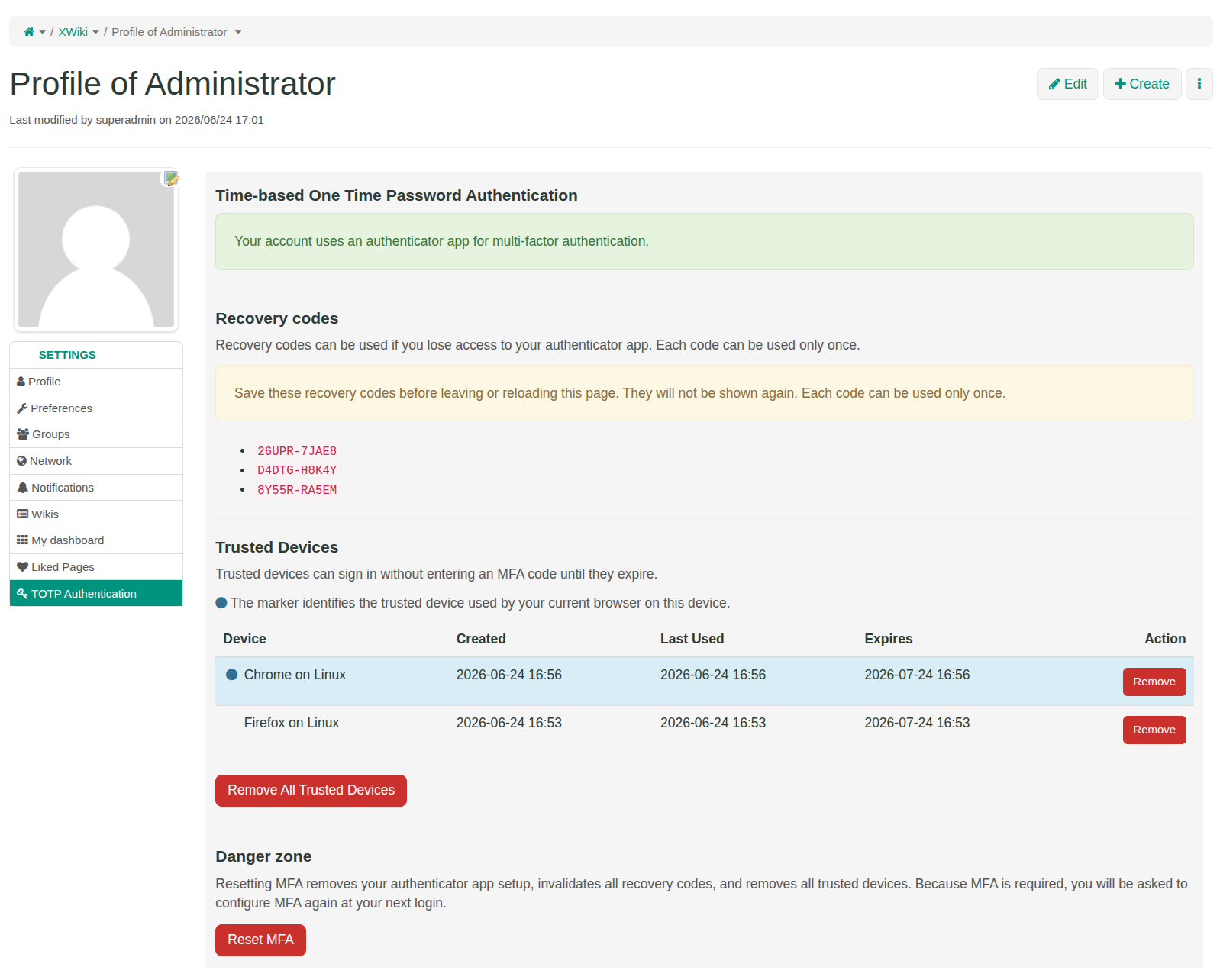
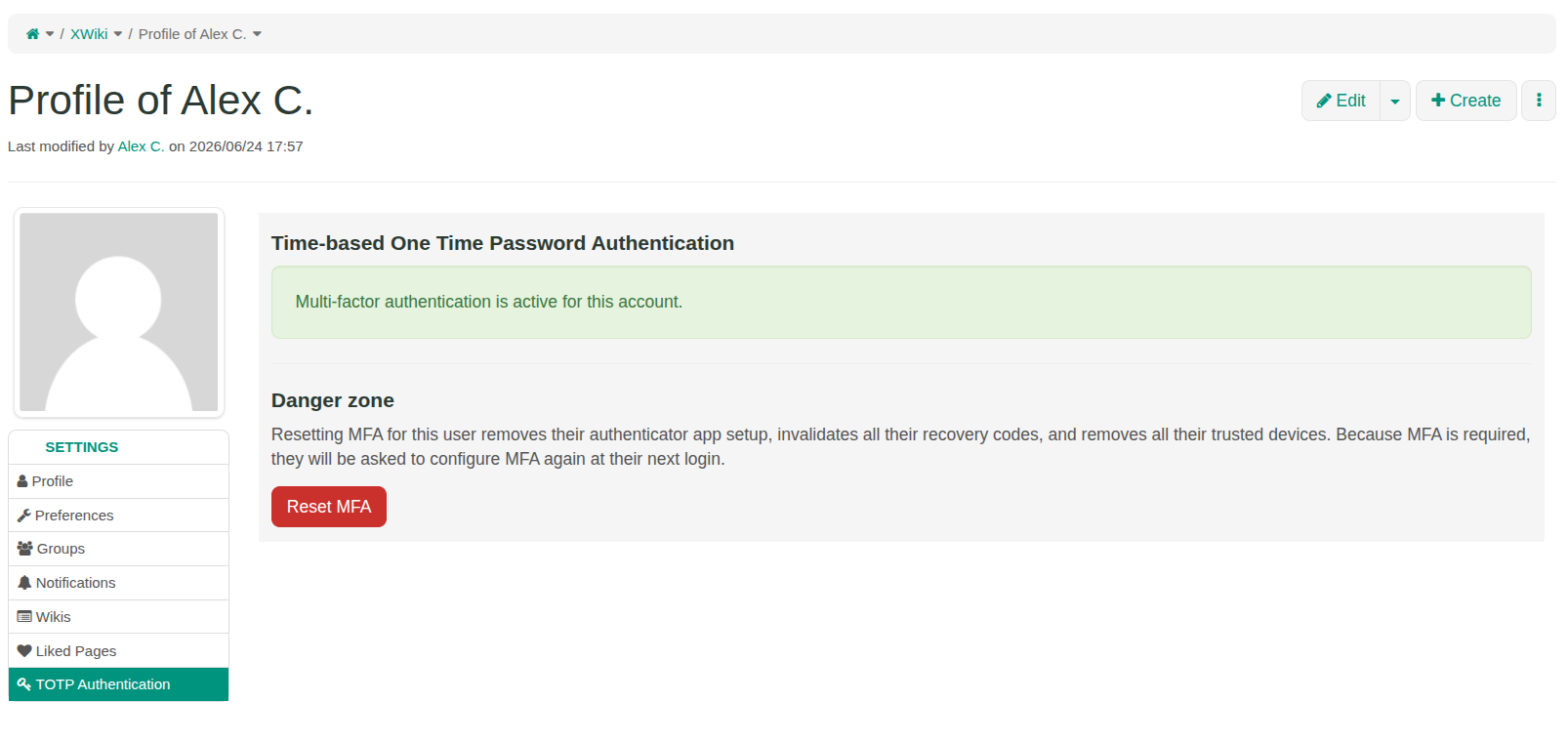
Recovery codes can provide backup access when enabled. Administrators can also reset
the user setup so the configuration process can be restarted.
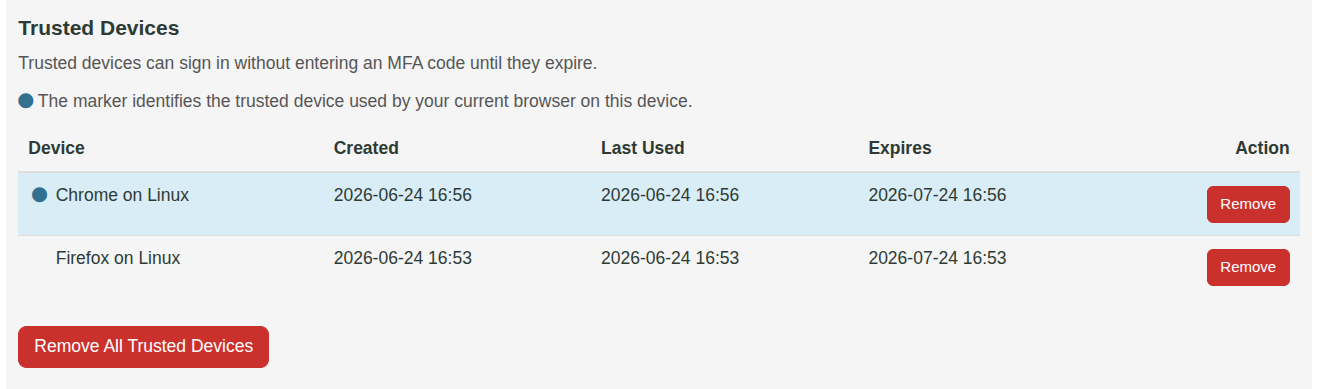
Can trusted browsers or devices be disabled?
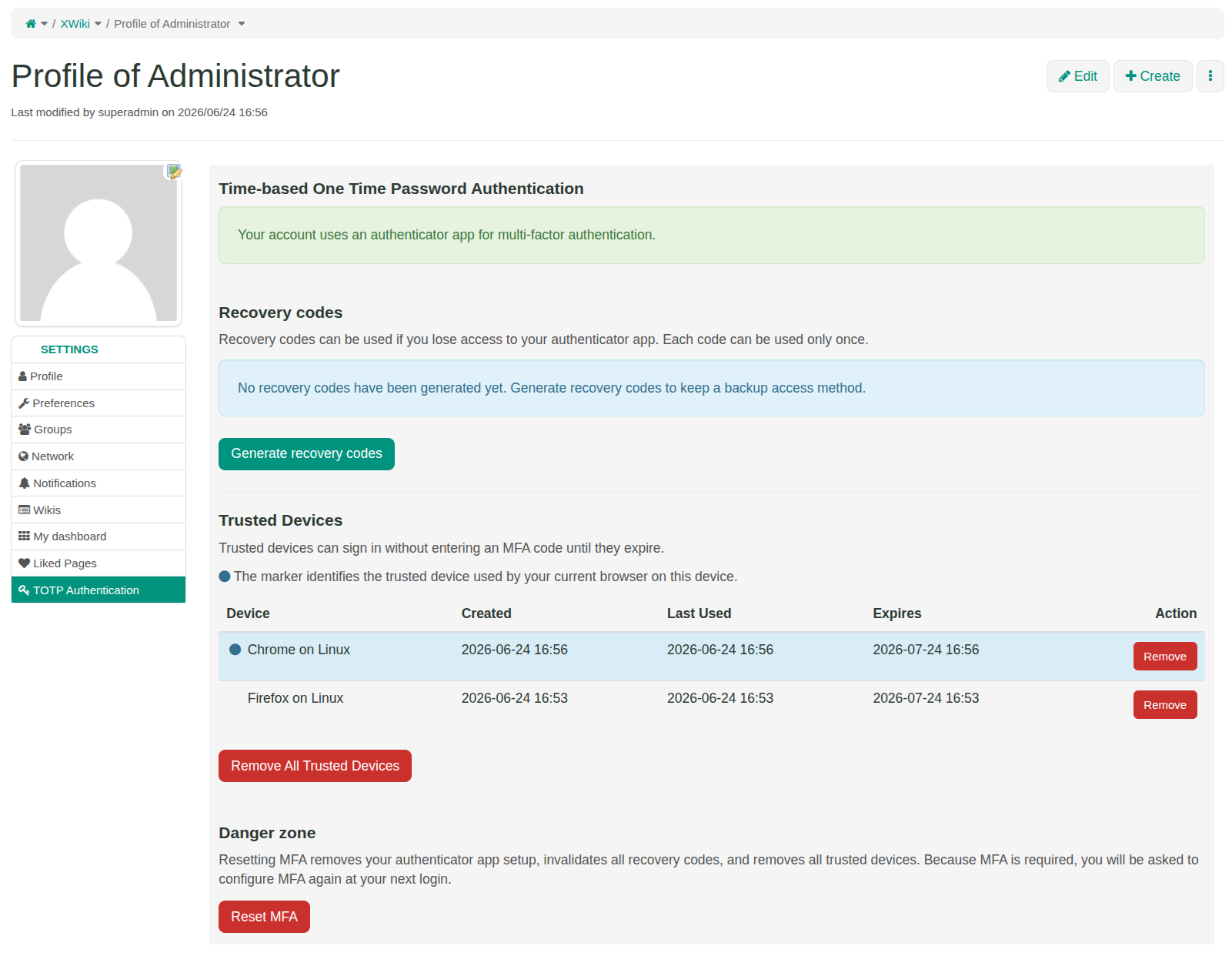
Yes. Administrators can configure how long trusted devices remain valid. Setting the
trusted-device duration to 0 disables this option.
Is this only a basic 2FA login-code screen?
No. The main login mechanism is two-factor authentication, but the application also includes
features needed for a safer organization-wide rollout: enforcement policy, recovery codes,
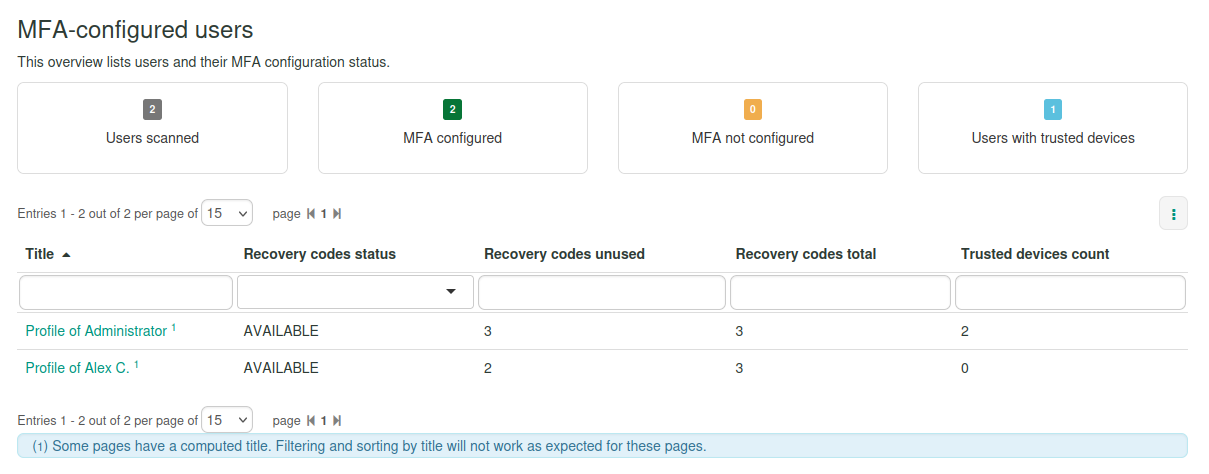
trusted devices, user self-service, administrator monitoring and administrator reset actions.
Is this enough for compliance on its own?
No. This extension provides an important access-protection control, but it should be part
of a broader security and compliance approach that includes permissions, upgrades,
infrastructure, monitoring and operational procedures.